Welcome to the Preparedness Project Family!
STEP 1 - CONFIRM YOUR RECEIPT
Check your email for your receipt!
STEP 2 - DOWNLOAD THE APP AND RESET YOUR PASSWORD
Click here to download if you have an iPhone.
Click here to download if you have an Android.
You will get a confirmation email and if you didn't already have an app account created, you will now have one under the same email you purchased.
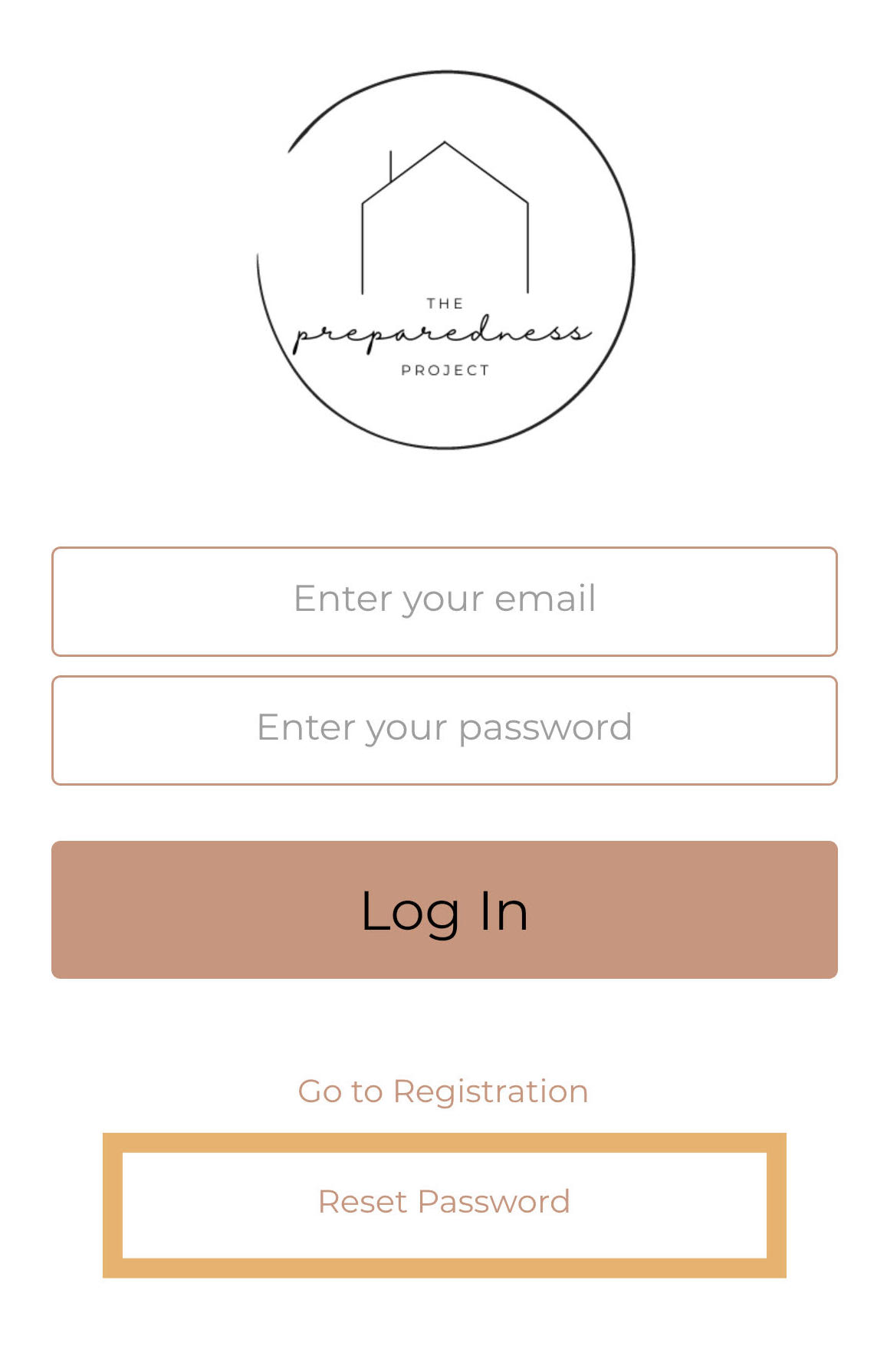
When you get to the Login Screen on the app, click the Reset Password link to set a new password.
See our help videos and FAQ here.
STEP 3 -JOIN OUR PRIVATE FACEBOOK COMMUNITY

The Preparedness Project, LLC - All Rights Reserved 2024
Riverton, UT 84065